Security Nodes
I nodi Security permettono di eseguire scansioni automatizzate per identificare vulnerabilità e problemi di sicurezza nell’infrastruttura.
Security
security
Esegue scansioni di sicurezza su target specificati.
Configurazione
| Campo | Tipo | Obbligatorio | Descrizione |
|---|---|---|---|
label | text | Sì | Nome identificativo |
toolType | select | Sì | Tipo di scansione |
target | text | Sì | Dominio o IP da scansionare |
portRange | text | Per portScan | Range porte (es: 1-1000) |
checkExpiry | boolean | Per sslCheck | Controlla scadenza certificato |
expiryDaysWarning | number | Per sslCheck | Giorni preavviso scadenza |
failOnVulnerability | boolean | Per vulnScan | Fallisci se trovate vulnerabilità |
Tipi di scansione
| Tipo | Descrizione | Output principale |
|---|---|---|
portScan | Trova porte aperte | Lista porte, servizi rilevati |
sslCheck | Verifica certificati SSL/TLS | Validità, scadenza, chain |
vulnScan | Cerca vulnerabilità note | CVE trovati, severity |
headerCheck | Analizza security headers HTTP | Headers mancanti, score |
dnsCheck | Verifica configurazione DNS | Record, DNSSEC, SPF/DKIM |
Port Scan
Identifica porte aperte e servizi in ascolto.
Workflow Esempio: Audit Porte Server
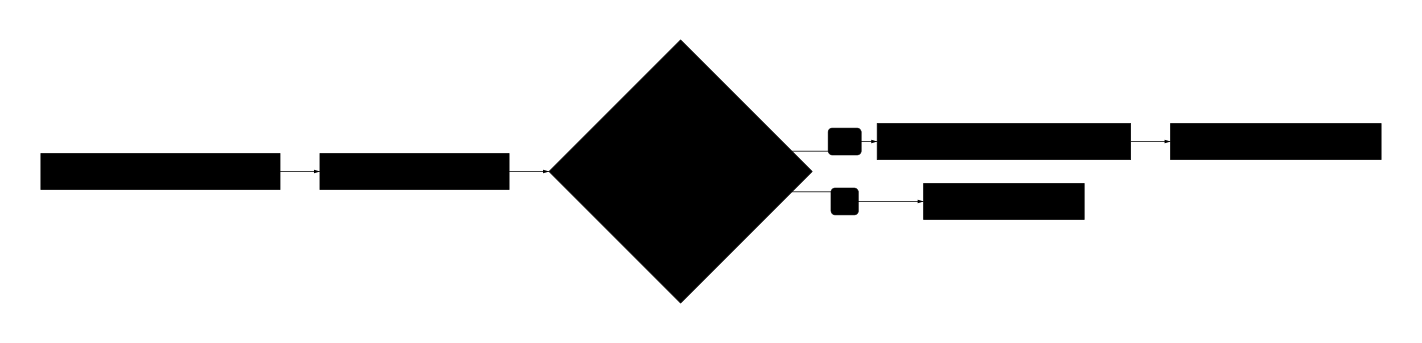
Configurazione
type: security
toolType: portScan
target: "192.168.1.100"
portRange: "1-65535"
label: "Full Port Scan Produzione"
Range porte comuni:
1-1024- Porte well-knowncommon- Porte comuni (22, 80, 443, 3306, etc.)1-65535- Scan completo (lento)
Output
{
  "target": "192.168.1.100",
  "scanType": "portScan",
  "openPorts": [
    { "port": 22, "service": "ssh", "version": "OpenSSH 8.4" },
    { "port": 80, "service": "http", "version": "nginx/1.18" },
    { "port": 443, "service": "https", "version": "nginx/1.18" },
    { "port": 3306, "service": "mysql", "version": "MySQL 8.0" }
  ],
  "totalOpen": 4,
  "scanDuration": 45000
}
Condition per porte inattese
type: condition
condition: |
  {{security.output.openPorts}}.some(p =>
    ![22, 80, 443].includes(p.port)
  )
SSL Check
Verifica la validità e configurazione dei certificati SSL/TLS.
Workflow Esempio: Monitoraggio Certificati
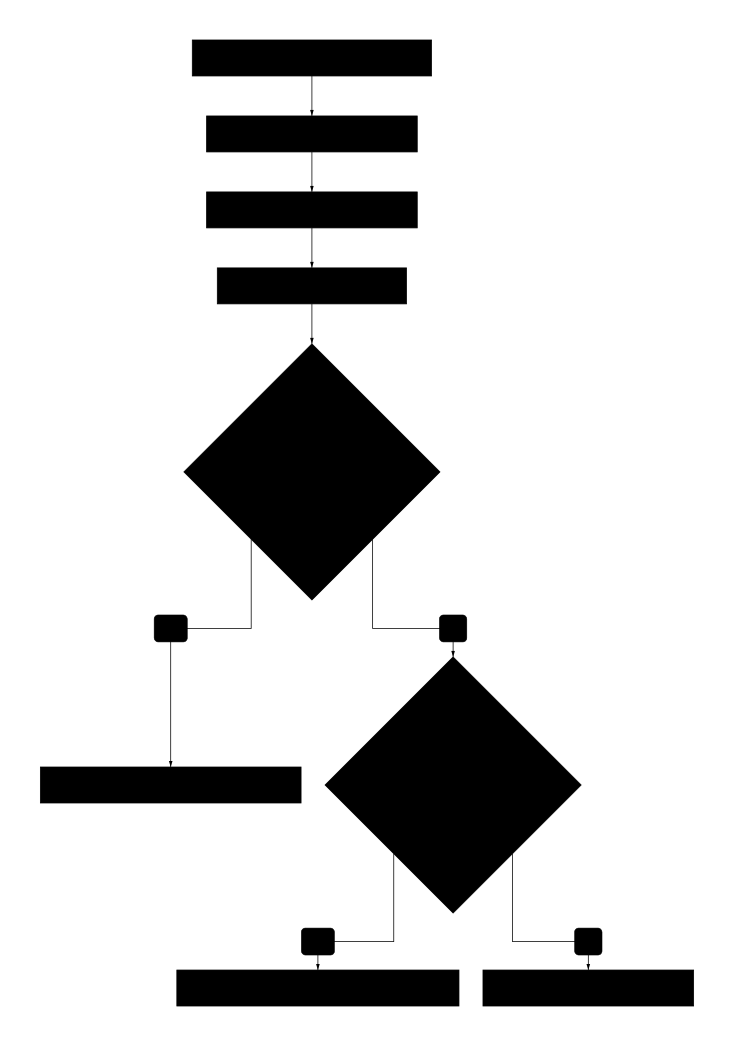
Configurazione
type: security
toolType: sslCheck
target: "example.com"
checkExpiry: true
expiryDaysWarning: 30
label: "Check SSL example.com"
Output
{
  "target": "example.com",
  "scanType": "sslCheck",
  "certificate": {
    "valid": true,
    "issuer": "Let's Encrypt Authority X3",
    "subject": "example.com",
    "validFrom": "2024-01-01T00:00:00Z",
    "validTo": "2024-04-01T00:00:00Z",
    "daysUntilExpiry": 45,
    "serialNumber": "03:AB:CD:..."
  },
  "chain": {
    "valid": true,
    "certificates": 3
  },
  "protocols": {
    "TLSv1.2": true,
    "TLSv1.3": true,
    "TLSv1.1": false,
    "TLSv1.0": false
  },
  "grade": "A+"
}
Vulnerability Scan
Cerca vulnerabilità note (CVE) nei servizi esposti.
Workflow Esempio: Security Audit Completo
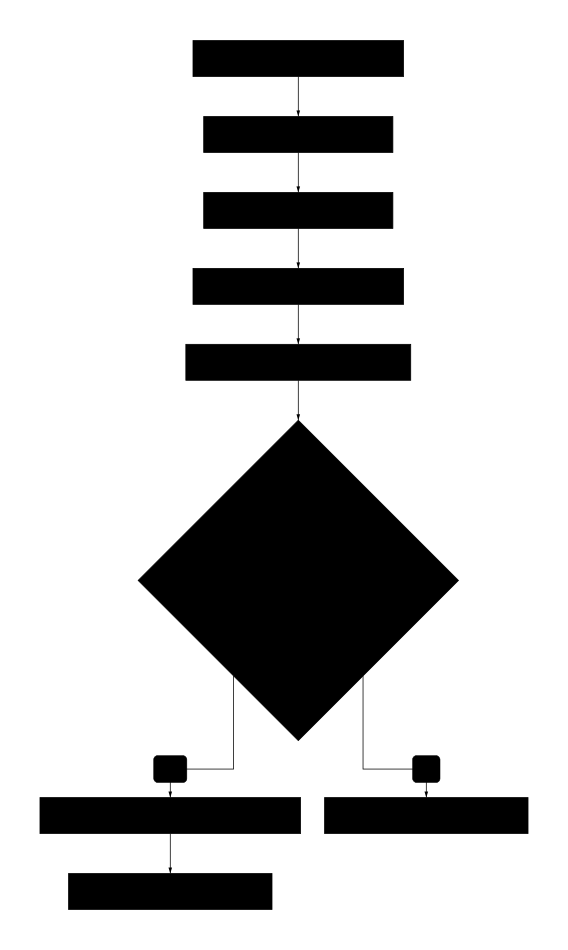
Configurazione
type: security
toolType: vulnScan
target: "api.example.com"
failOnVulnerability: true
label: "Vulnerability Scan API"
Output
{
  "target": "api.example.com",
  "scanType": "vulnScan",
  "vulnerabilities": [
    {
      "cve": "CVE-2024-1234",
      "severity": "high",
      "cvss": 8.5,
      "service": "nginx/1.18",
      "description": "Buffer overflow in HTTP/2 implementation",
      "remediation": "Upgrade to nginx 1.19+"
    }
  ],
  "summary": {
    "critical": 0,
    "high": 1,
    "medium": 2,
    "low": 3,
    "info": 5
  },
  "riskScore": 72
}
Condition per vulnerabilità critiche
type: condition
condition: |
  {{security.output.summary.critical}} > 0 ||
  {{security.output.summary.high}} > 0
Header Check
Analizza gli HTTP security headers.
Workflow Esempio: Compliance Check
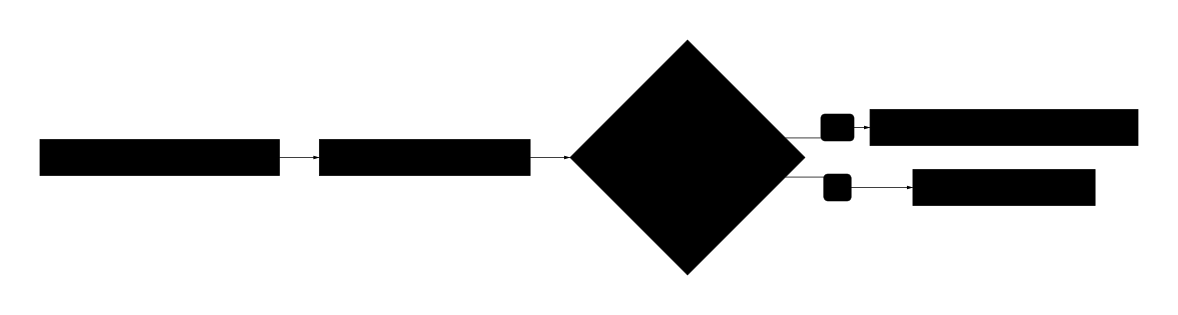
Configurazione
type: security
toolType: headerCheck
target: "https://app.example.com"
label: "Security Headers Check"
Output
{
  "target": "https://app.example.com",
  "scanType": "headerCheck",
  "headers": {
    "Strict-Transport-Security": {
      "present": true,
      "value": "max-age=31536000; includeSubDomains",
      "score": 10
    },
    "Content-Security-Policy": {
      "present": true,
      "value": "default-src 'self'",
      "score": 10
    },
    "X-Frame-Options": {
      "present": false,
      "recommendation": "DENY o SAMEORIGIN",
      "score": 0
    },
    "X-Content-Type-Options": {
      "present": true,
      "value": "nosniff",
      "score": 10
    }
  },
  "totalScore": 75,
  "maxScore": 100,
  "grade": "B",
  "missingHeaders": ["X-Frame-Options", "Referrer-Policy"]
}
Headers consigliati
| Header | Descrizione | Valore raccomandato |
|---|---|---|
Strict-Transport-Security | Forza HTTPS | max-age=31536000; includeSubDomains |
Content-Security-Policy | Previene XSS | default-src 'self' |
X-Frame-Options | Previene clickjacking | DENY |
X-Content-Type-Options | Previene MIME sniffing | nosniff |
Referrer-Policy | Controlla Referrer | strict-origin-when-cross-origin |
DNS Check
Verifica la configurazione DNS e record di sicurezza.
Configurazione
type: security
toolType: dnsCheck
target: "example.com"
label: "DNS Security Check"
Output
{
  "target": "example.com",
  "scanType": "dnsCheck",
  "records": {
    "A": ["192.168.1.100"],
    "AAAA": ["2001:db8::1"],
    "MX": ["mail.example.com"],
    "TXT": ["v=spf1 include:_spf.google.com ~all"]
  },
  "security": {
    "dnssec": true,
    "spf": { "valid": true, "record": "v=spf1..." },
    "dkim": { "valid": true, "selector": "google" },
    "dmarc": { "valid": true, "policy": "reject" }
  },
  "issues": []
}
Workflow Completo: Security Pipeline
Un workflow completo che esegue tutti i controlli di sicurezza in sequenza.
Configurazione aggregazione risultati
type: transform
operation: custom
expression: |
  {
    server: loop.current.hostname,
    date: new Date().toISOString(),
    portScan: {
      openPorts: portScan.output.totalOpen,
      unexpected: portScan.output.openPorts.filter(p =>
        ![22, 80, 443].includes(p.port)
      ).length
    },
    ssl: {
      valid: sslCheck.output.certificate.valid,
      daysToExpiry: sslCheck.output.certificate.daysUntilExpiry,
      grade: sslCheck.output.grade
    },
    headers: {
      score: headerCheck.output.totalScore,
      missing: headerCheck.output.missingHeaders
    },
    vulnerabilities: {
      critical: vulnScan.output.summary.critical,
      high: vulnScan.output.summary.high,
      total: Object.values(vulnScan.output.summary).reduce((a,b) => a+b, 0)
    },
    overallRisk: calculateRisk(vulnScan.output, sslCheck.output)
  }
Best Practices
Frequenza scansioni
| Tipo scansione | Frequenza consigliata |
|---|---|
| SSL Check | Giornaliero |
| Header Check | Dopo ogni deploy |
| Port Scan | Settimanale |
| Vuln Scan | Mensile (o dopo aggiornamenti) |
Gestione risultati
- Salva sempre i risultati in database per trend analysis
- Imposta threshold per alert automatici
- Crea ticket automaticamente per vulnerabilità critiche
Rate limiting
Alcune scansioni possono essere intensive. Evita:
- Port scan completi in orari di punta
- Scansioni simultanee sullo stesso target
- Scan troppo frequenti (potrebbero essere bloccati)