Logic Nodes
I nodi Logic permettono di controllare il flusso di esecuzione, trasformare dati e gestire la logica dei workflow.
Condition
condition
Valuta un’espressione e dirige il flusso verso branch diversi.
Configurazione
| Campo | Tipo | Obbligatorio | Descrizione |
|---|---|---|---|
label | text | Sì | Nome identificativo |
condition | expression | Sì | Espressione da valutare |
mode | select | No | Modalità (simple, switch, multiple) |
Modalità
| Modalità | Descrizione |
|---|---|
simple | True/False - 2 branch |
switch | Valore esatto - N branch |
multiple | Multiple condizioni - N branch |
Workflow Esempio: Order Routing
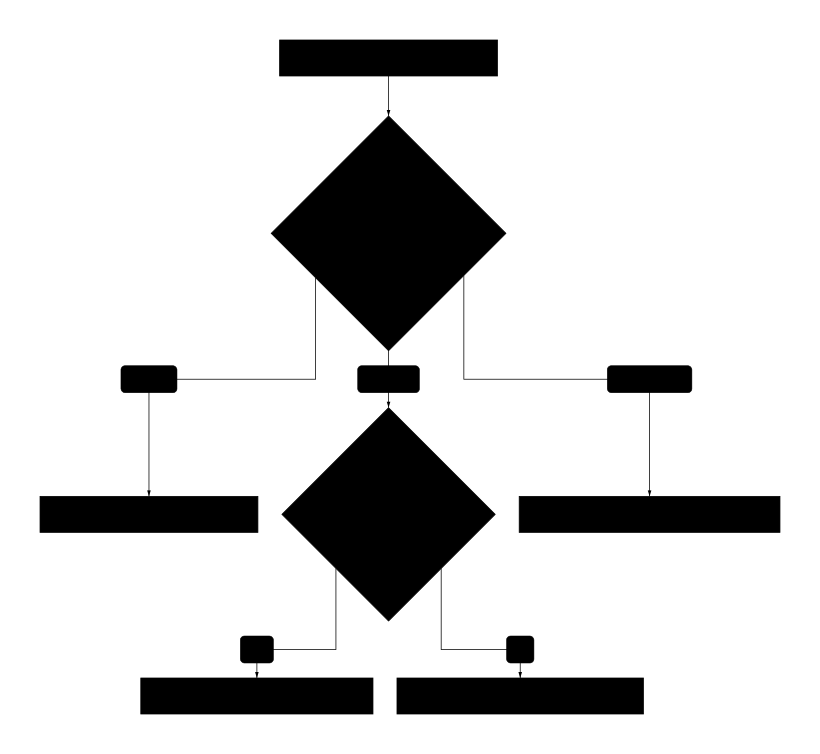
Configurazione simple
type: condition
mode: simple
condition: "{{trigger.data.total}} > 100"
label: "Order > 100€?"
Output: true o false
Configurazione switch
type: condition
mode: switch
switchValue: "{{trigger.data.orderType}}"
cases:
  - value: "digital"
    label: "Digital Product"
  - value: "physical"
    label: "Physical Product"
  - value: "subscription"
    label: "Subscription"
  - default: true
    label: "Unknown"
label: "Order Type Router"
Configurazione multiple
type: condition
mode: multiple
conditions:
  - expression: "{{data.status}} === 'urgent' && {{data.priority}} > 8"
    label: "Critical"
  - expression: "{{data.status}} === 'urgent'"
    label: "Urgent"
  - expression: "{{data.priority}} > 5"
    label: "High Priority"
  - default: true
    label: "Normal"
label: "Priority Router"
Operatori supportati
| Operatore | Descrizione | Esempio |
|---|---|---|
=== | Uguale (strict) | {{a}} === 'value' |
!== | Diverso | {{a}} !== null |
>, <, >=, <= | Comparazione | {{count}} > 10 |
&& | AND logico | {{a}} && {{b}} |
|| | OR logico | {{a}} || {{b}} |
! | NOT | !{{flag}} |
includes() | Contiene | {{arr}}.includes('x') |
startsWith() | Inizia con | {{str}}.startsWith('http') |
Transform
transform
Trasforma e manipola dati tra i nodi.
Configurazione
| Campo | Tipo | Obbligatorio | Descrizione |
|---|---|---|---|
label | text | Sì | Nome identificativo |
operation | select | Sì | Tipo operazione |
expression | code | Per custom | Espressione JavaScript |
mappings | array | Per map | Mappature campi |
Operazioni disponibili
| Operazione | Descrizione |
|---|---|
map | Mappa campi da input a output |
filter | Filtra elementi array |
reduce | Aggrega array in valore singolo |
flatten | Appiattisce array annidati |
group | Raggruppa per chiave |
sort | Ordina array |
custom | Espressione JavaScript custom |
Workflow Esempio: Data Processing

Operazione map
type: transform
operation: map
mappings:
  - source: "{{api.data.user.id}}"
    target: "userId"
  - source: "{{api.data.user.email}}"
    target: "email"
  - source: "{{api.data.created_at}}"
    target: "createdAt"
    transform: "new Date(value).toISOString()"
  - static: "active"
    target: "status"
label: "Map User Data"
Operazione filter
type: transform
operation: filter
input: "{{api.data.orders}}"
condition: "item.status === 'completed' && item.total > 50"
label: "Filter Large Orders"
Output:
{
  "filtered": [...],
  "originalCount": 100,
  "filteredCount": 25
}
Operazione group
type: transform
operation: group
input: "{{api.data.transactions}}"
groupBy: "category"
aggregations:
  - field: "amount"
    operation: "sum"
    as: "totalAmount"
  - field: "id"
    operation: "count"
    as: "transactionCount"
label: "Group by Category"
Output:
{
  "groups": {
    "food": { "totalAmount": 1500, "transactionCount": 45 },
    "transport": { "totalAmount": 800, "transactionCount": 20 }
  }
}
Operazione custom
type: transform
operation: custom
expression: |
  const orders = {{api.data.orders}};

  return {
    totalOrders: orders.length,
    totalRevenue: orders.reduce((sum, o) => sum + o.total, 0),
    averageOrder: orders.reduce((sum, o) => sum + o.total, 0) / orders.length,
    byStatus: orders.reduce((acc, o) => {
      acc[o.status] = (acc[o.status] || 0) + 1;
      return acc;
    }, {}),
    topCustomer: orders
      .reduce((acc, o) => {
        acc[o.customerId] = (acc[o.customerId] || 0) + o.total;
        return acc;
      }, {})
      |> Object.entries
      |> (arr => arr.sort((a,b) => b[1] - a[1])[0])
  };
label: "Calculate Order Stats"
Merge
merge
Combina output da multiple branch in un singolo flusso.
Configurazione
| Campo | Tipo | Obbligatorio | Descrizione |
|---|---|---|---|
label | text | Sì | Nome identificativo |
mode | select | Sì | Modalità merge |
waitFor | array | Per waitAll | Nodi da attendere |
Modalità
| Modalità | Descrizione |
|---|---|
waitAll | Attende tutti gli input |
waitAny | Procede al primo input |
combine | Combina in array |
object | Combina in oggetto con chiavi |
Workflow Esempio: Parallel API Calls
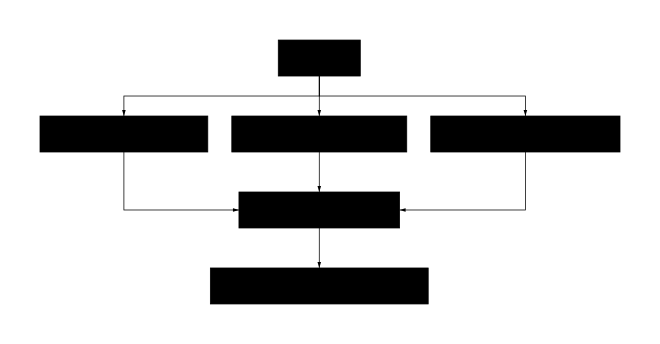
Configurazione waitAll
type: merge
mode: waitAll
waitFor:
  - nodeId: "fetchUsers"
  - nodeId: "fetchOrders"
  - nodeId: "fetchProducts"
label: "Wait All APIs"
Output:
{
  "fetchUsers": { "data": [...] },
  "fetchOrders": { "data": [...] },
  "fetchProducts": { "data": [...] }
}
Configurazione combine
type: merge
mode: combine
inputs:
  - "{{apiA.output.items}}"
  - "{{apiB.output.items}}"
  - "{{apiC.output.items}}"
flatten: true
label: "Combine All Items"
Split
split
Divide un array in elementi singoli per processamento parallelo.
Configurazione
| Campo | Tipo | Obbligatorio | Descrizione |
|---|---|---|---|
label | text | Sì | Nome identificativo |
input | expression | Sì | Array da splittare |
batchSize | number | No | Elementi per batch |
parallelism | number | No | Max esecuzioni parallele |
Workflow Esempio: Batch Processing
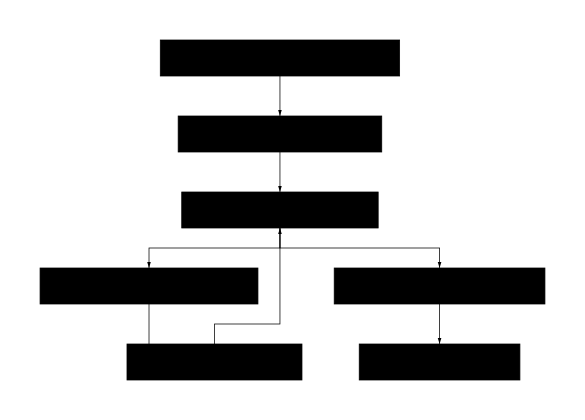
Configurazione
type: split
input: "{{database.output.users}}"
batchSize: 50
parallelism: 5
label: "Split Users into Batches"
Output (per ogni iterazione):
{
  "batch": [...],  // 50 elementi
  "batchIndex": 0,
  "totalBatches": 20,
  "isFirst": true,
  "isLast": false
}
Delay
delay
Introduce un ritardo nell’esecuzione.
Configurazione
| Campo | Tipo | Obbligatorio | Descrizione |
|---|---|---|---|
label | text | Sì | Nome identificativo |
duration | number | Sì | Durata in millisecondi |
unit | select | No | Unità (ms, s, m, h) |
until | datetime | No | Attendi fino a data/ora |
Use cases
| Scenario | Configurazione |
|---|---|
| Rate limiting API | 5000ms tra chiamate |
| Retry backoff | 30s prima di retry |
| Scheduled action | until: 2024-01-15T09:00:00 |
| Polling interval | 60s tra check |
Workflow Esempio: Retry with Backoff
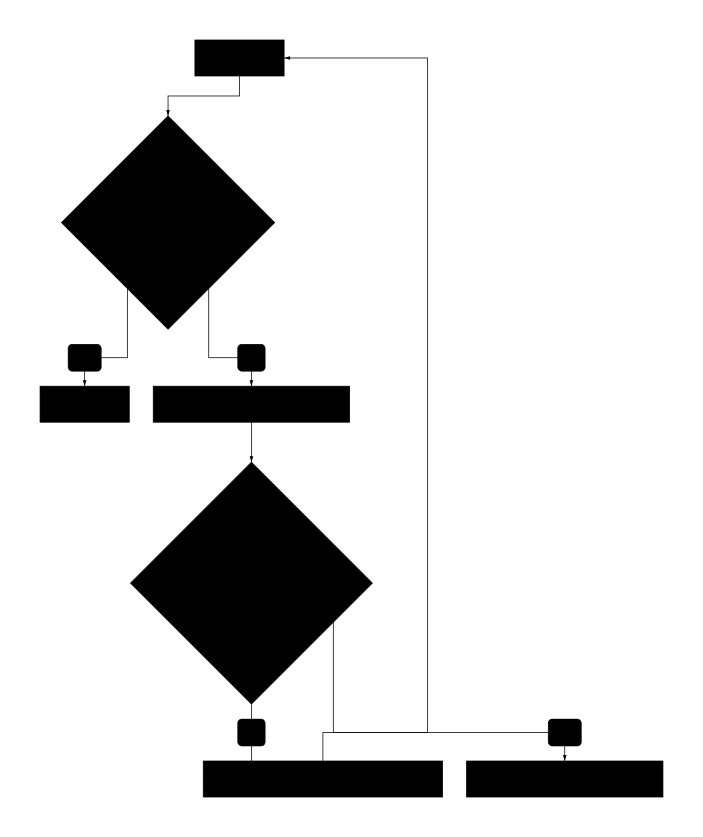
Configurazione exponential backoff
type: delay
duration: "{{Math.pow(2, set.output.retryCount) * 1000}}"
maxDuration: 60000  # Max 60 secondi
label: "Exponential Backoff"
Set
set
Imposta variabili per uso successivo nel workflow.
Configurazione
| Campo | Tipo | Obbligatorio | Descrizione |
|---|---|---|---|
label | text | Sì | Nome identificativo |
variables | array | Sì | Variabili da impostare |
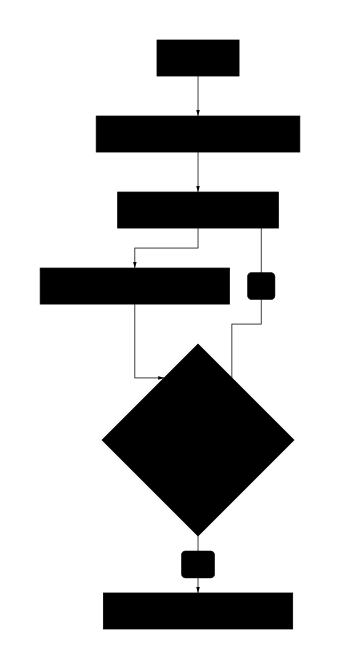
Workflow Esempio: State Management
Configurazione
type: set
variables:
  - name: "counter"
    value: "{{(set.output.counter || 0) + 1}}"
  - name: "items"
    value: "{{[...set.output.items, api.output.data]}}"
  - name: "lastRun"
    value: "{{new Date().toISOString()}}"
label: "Update State"
Output:
{
  "counter": 5,
  "items": [...],
  "lastRun": "2024-01-15T10:30:00Z"
}
Logger
logger
Registra messaggi e dati per debug e audit.
Configurazione
| Campo | Tipo | Obbligatorio | Descrizione |
|---|---|---|---|
label | text | Sì | Nome identificativo |
level | select | No | Livello log (debug, info, warn, error) |
message | text | Sì | Messaggio da loggare |
data | json | No | Dati aggiuntivi |
Livelli di log
| Livello | Use case |
|---|---|
debug | Dettagli tecnici per sviluppo |
info | Informazioni operative normali |
warn | Situazioni anomale non bloccanti |
error | Errori che richiedono attenzione |
Configurazione
type: logger
level: info
message: "Order processed successfully"
data:
  orderId: "{{trigger.data.orderId}}"
  total: "{{api.output.total}}"
  processingTime: "{{Date.now() - trigger.timestamp}}"
label: "Log Order Processed"
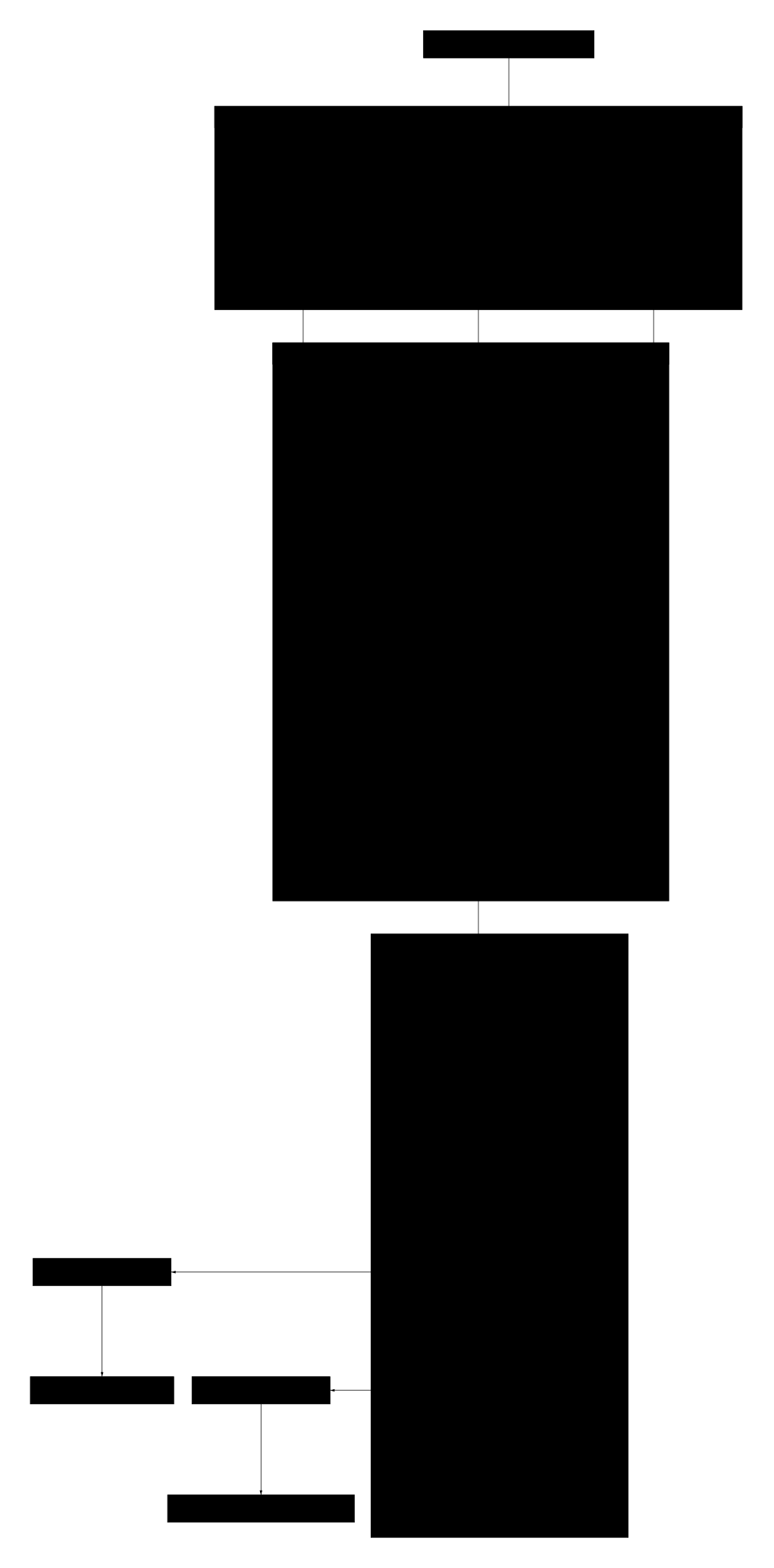
Workflow Completo: ETL Pipeline
Best Practices
Condition nodes
- Nomina chiaramente ogni branch
- Usa switch per più di 3 casi
- Gestisci sempre il caso default
- Evita condizioni troppo complesse - splitta in più nodi
Transform nodes
- Preferisci operazioni built-in a custom
- Valida sempre l’input
- Gestisci null/undefined
- Documenta trasformazioni complesse
Parallel processing
- Limita parallelism per non sovraccaricare
- Usa batch per grandi volumi
- Implementa backoff per rate limiting
- Monitora memoria e performance