Cloud & DevOps Nodes
I nodi Cloud & DevOps permettono di automatizzare pipeline CI/CD, build Docker, deploy su cloud e gestione infrastruttura.
Docker Build
dockerBuild
Costruisce immagini Docker da Dockerfile o build context.
Configurazione
| Campo | Tipo | Obbligatorio | Descrizione |
|---|---|---|---|
label | text | Sì | Nome identificativo |
contextPath | text | Sì | Path al build context |
dockerfile | text | No | Path Dockerfile (default: Dockerfile) |
imageName | text | Sì | Nome immagine |
tag | text | Sì | Tag immagine |
buildArgs | keyvalue | No | Build arguments |
target | text | No | Target stage per multi-stage |
platform | select | No | Piattaforma target |
push | boolean | No | Push a registry dopo build |
registry | text | Per push | Registry URL |
Workflow Esempio: CI/CD Pipeline
Configurazione build
type: dockerBuild
contextPath: "/app"
dockerfile: "Dockerfile.prod"
imageName: "myapp"
tag: "{{trigger.data.commit.sha | slice: 0, 7}}"
buildArgs:
  NODE_ENV: "production"
  VERSION: "{{trigger.data.commit.sha}}"
target: "production"
platform: "linux/amd64"
push: true
registry: "registry.example.com"
registryUser: "{{secrets.REGISTRY_USER}}"
registryPassword: "{{secrets.REGISTRY_PASS}}"
label: "Build Production Image"
Output
{
  "imageName": "registry.example.com/myapp",
  "tag": "abc1234",
  "fullName": "registry.example.com/myapp:abc1234",
  "digest": "sha256:...",
  "size": "125MB",
  "buildTime": 45000,
  "pushed": true,
  "layers": 12,
  "buildLog": "Step 1/12: FROM node:18-alpine..."
}
Multi-stage Build
Esempio di Dockerfile ottimizzato per produzione.
Dockerfile multi-stage
# Stage 1: Build
FROM node:18-alpine AS builder
WORKDIR /app
COPY package*.json ./
RUN npm ci --only=production
COPY . .
RUN npm run build

# Stage 2: Production
FROM node:18-alpine AS production
WORKDIR /app
COPY --from=builder /app/dist ./dist
COPY --from=builder /app/node_modules ./node_modules
EXPOSE 3000
CMD ["node", "dist/server.js"]
Configurazione per stage specifico
type: dockerBuild
contextPath: "/app"
target: "production"  # Usa solo lo stage production
imageName: "myapp"
tag: "latest"
Cloud Deploy
cloudDeploy
Deploy di applicazioni su cloud provider (AWS, GCP, Azure, DigitalOcean, etc.).
Configurazione
| Campo | Tipo | Obbligatorio | Descrizione |
|---|---|---|---|
label | text | Sì | Nome identificativo |
provider | select | Sì | Cloud provider |
service | select | Sì | Tipo servizio |
region | text | Sì | Regione deploy |
credentials | secret | Sì | Credenziali cloud |
config | json | Sì | Configurazione specifica |
Provider supportati
| Provider | Servizi |
|---|---|
aws | ECS, Lambda, EC2, S3, CloudFront |
gcp | Cloud Run, GKE, Compute Engine, Cloud Functions |
azure | App Service, AKS, Container Instances |
digitalocean | App Platform, Droplets, Kubernetes |
vercel | Static, Serverless |
fly | Fly Machines |
Workflow Esempio: Deploy AWS ECS
Configurazione AWS ECS
type: cloudDeploy
provider: aws
service: ecs
region: "eu-west-1"
credentials:
  accessKeyId: "{{secrets.AWS_ACCESS_KEY}}"
  secretAccessKey: "{{secrets.AWS_SECRET_KEY}}"
config:
  cluster: "production"
  service: "myapp-service"
  taskDefinition: "myapp-task"
  image: "{{dockerBuild.output.fullName}}"
  desiredCount: 3
  deploymentConfig:
    maximumPercent: 200
    minimumHealthyPercent: 50
  loadBalancer:
    targetGroupArn: "arn:aws:elasticloadbalancing:..."
    containerName: "myapp"
    containerPort: 3000
label: "Deploy ECS Production"
Output
{
  "provider": "aws",
  "service": "ecs",
  "deploymentId": "ecs-svc/abc123",
  "status": "success",
  "taskDefinition": "myapp-task:42",
  "desiredCount": 3,
  "runningCount": 3,
  "pendingCount": 0,
  "events": [
    {
      "timestamp": "2024-01-15T10:35:00Z",
      "message": "service myapp-service has reached a steady state."
    }
  ],
  "deployedAt": "2024-01-15T10:30:00Z"
}
Deploy Kubernetes
Deploy su cluster Kubernetes.
Workflow Esempio: K8s Rolling Update
Configurazione Kubernetes
type: cloudDeploy
provider: kubernetes
config:
  kubeconfig: "{{secrets.KUBECONFIG}}"
  namespace: "production"
  deployment: "myapp"
  container: "main"
  image: "{{dockerBuild.output.fullName}}"
  strategy:
    type: RollingUpdate
    maxUnavailable: 1
    maxSurge: 1
  replicas: 3
  resources:
    requests:
      cpu: "100m"
      memory: "256Mi"
    limits:
      cpu: "500m"
      memory: "512Mi"
label: "K8s Deploy"
Deploy Serverless
Deploy di funzioni serverless.
Workflow Esempio: AWS Lambda

Configurazione Lambda
type: cloudDeploy
provider: aws
service: lambda
region: "eu-west-1"
credentials:
  accessKeyId: "{{secrets.AWS_ACCESS_KEY}}"
  secretAccessKey: "{{secrets.AWS_SECRET_KEY}}"
config:
  functionName: "myFunction"
  runtime: "nodejs18.x"
  handler: "index.handler"
  zipFile: "/tmp/function.zip"
  memorySize: 256
  timeout: 30
  environment:
    NODE_ENV: "production"
    DB_URL: "{{secrets.DB_URL}}"
label: "Deploy Lambda"
CI/CD Pipeline Completa
Pipeline completa con test, build, deploy staging e production.
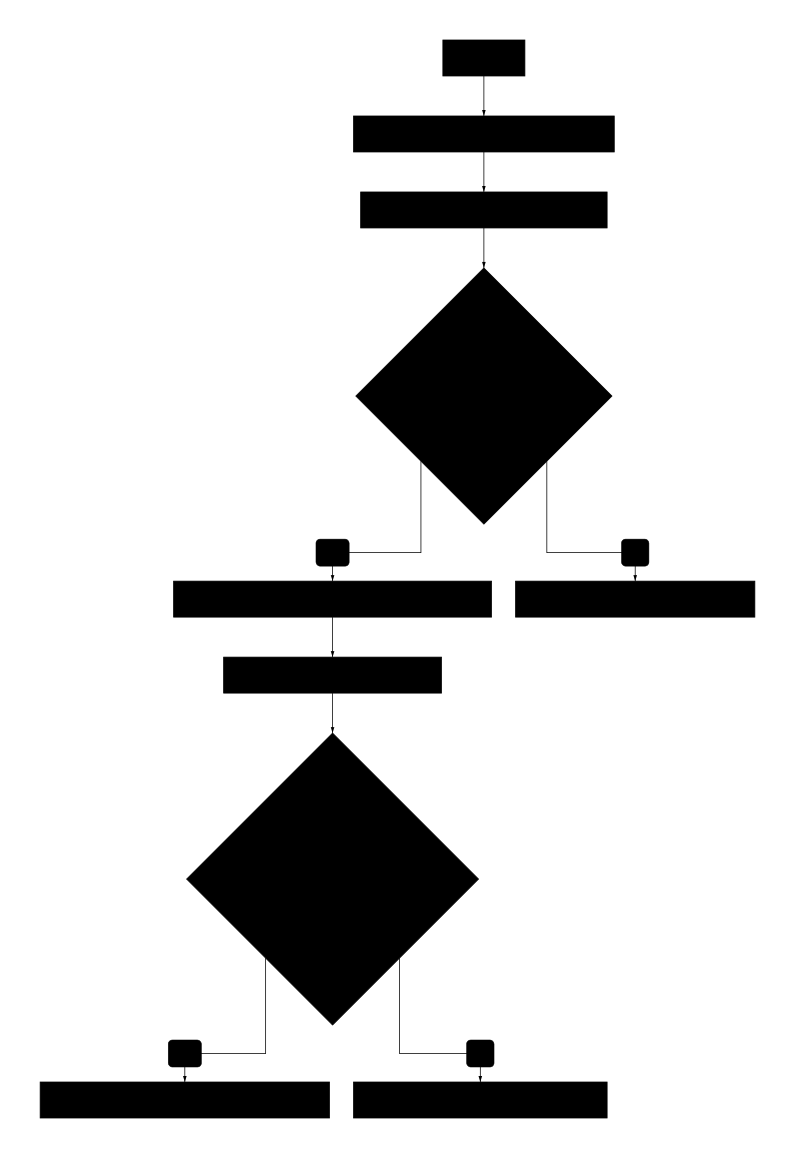
Blue-Green Deployment
Strategia di deploy con zero downtime.
Workflow Blue-Green
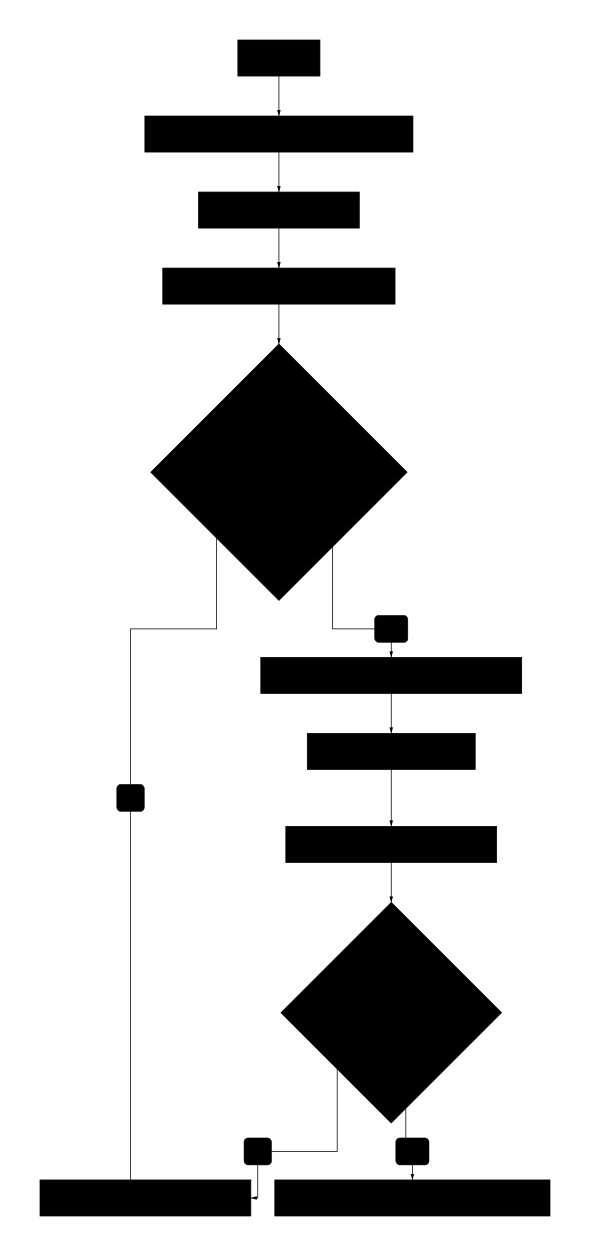
Canary Deployment
Deploy graduale con percentuale crescente di traffico.
Best Practices
Immagini Docker
- Usa multi-stage build per immagini più piccole
- Tag immutabili (commit SHA) oltre a
latest - Scan vulnerabilità prima del push
- Layer caching per build veloci
Deploy sicuri
- Sempre health check dopo deploy
- Rollback automatico in caso di errori
- Deploy progressivi (canary/blue-green)
- Feature flags per rilasci controllati
Secrets management
- Mai credenziali in immagini Docker
- Usa secrets manager (AWS Secrets Manager, Vault)
- Rotazione automatica delle credenziali
- Least privilege per credenziali CI/CD
Monitoring deploy
- Metriche chiave: error rate, latency, throughput
- Alert automatici su anomalie post-deploy
- Logging centralizzato per debug
- Trace distribuito per problemi complessi